Equipment Instance
In the previous article, we introduced how to create equipment types. Now, we need to create equipment instances under those device types.
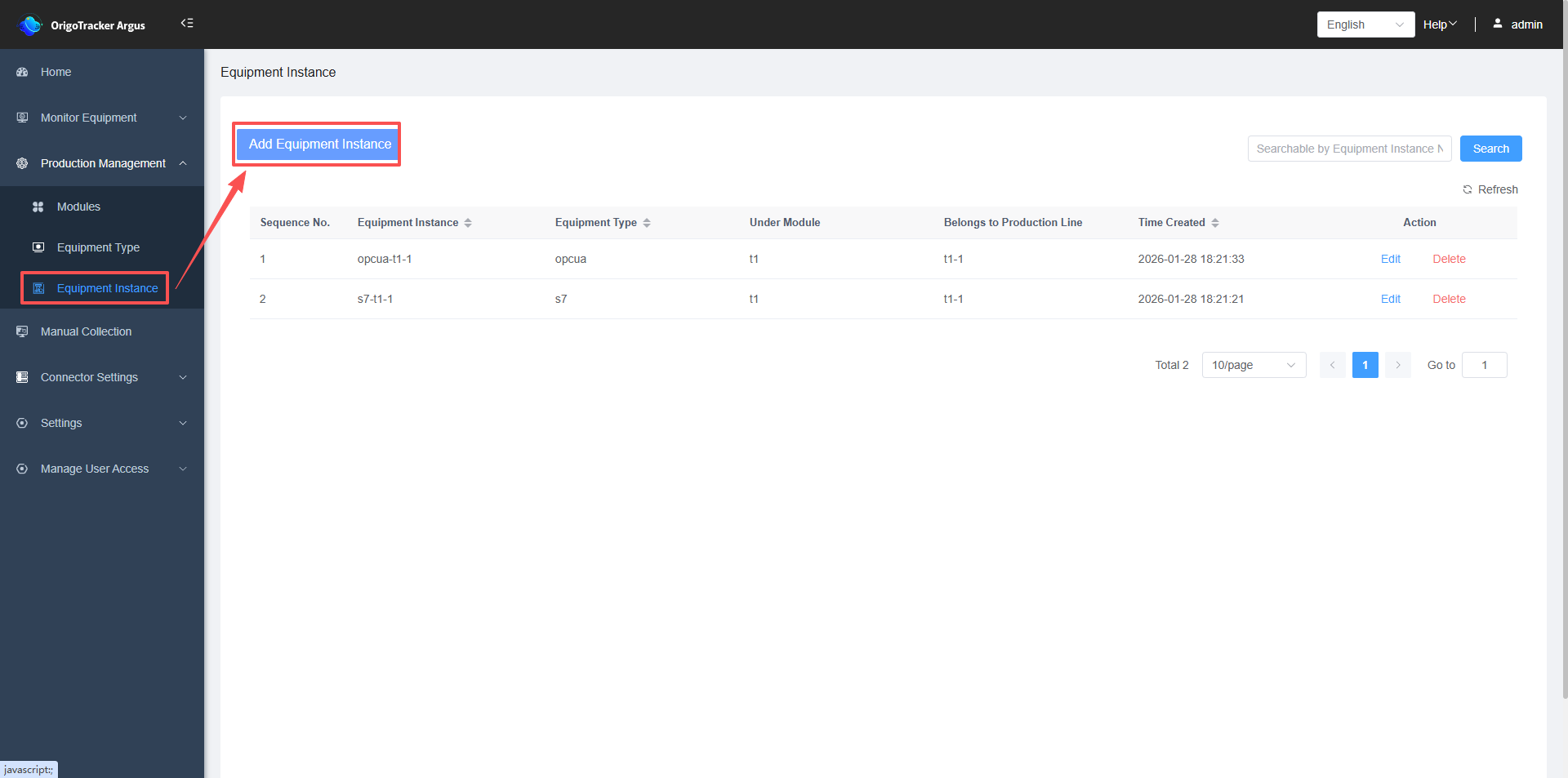
((1) Click on "Equipment Instances" to enter the equipment instance list.
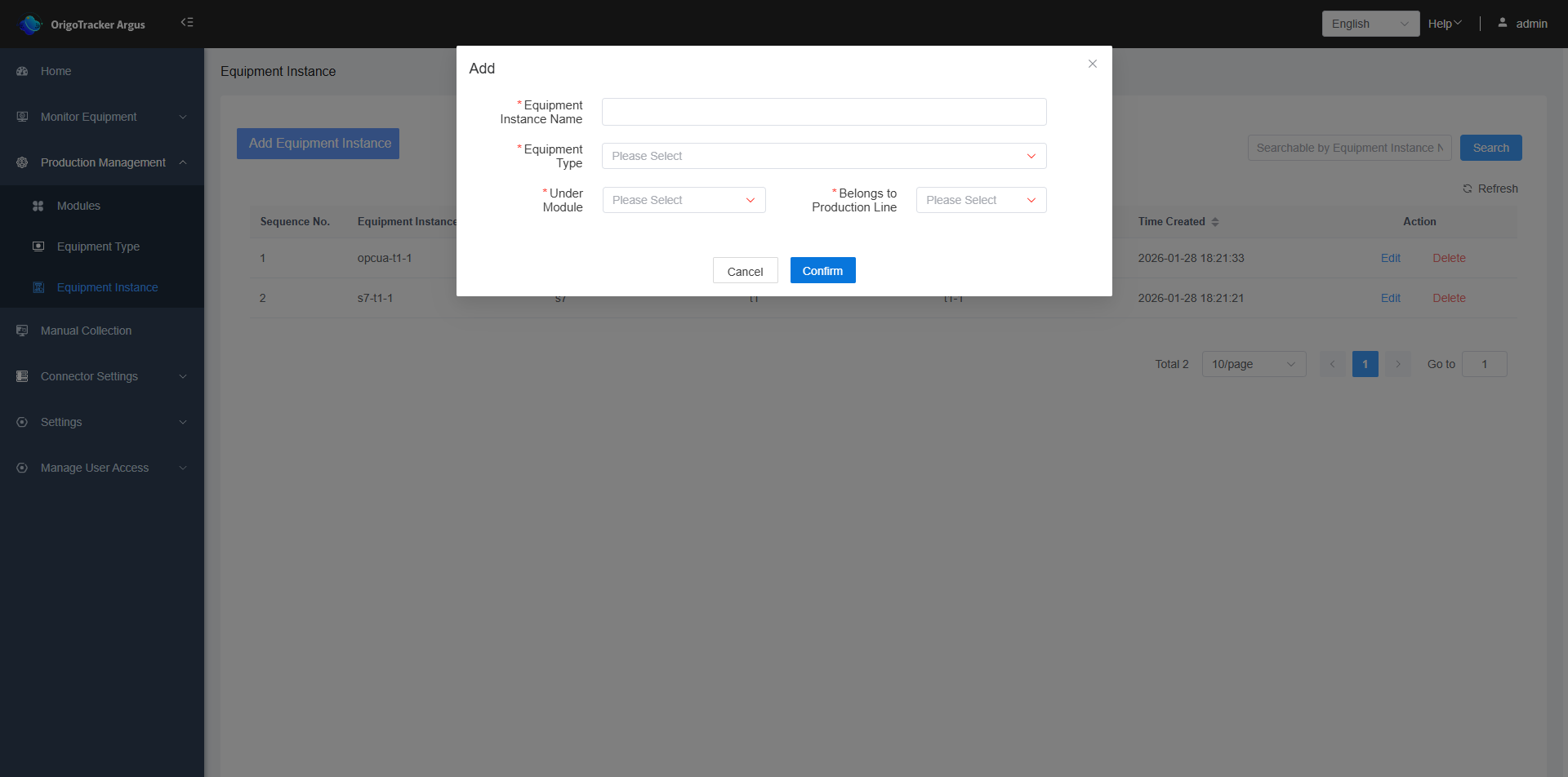
(2) Click "Add Equipment Instance".
| Field | Description |
|---|---|
| Equipment Instance Name | A device instance represents an individual physical equipment, used by the system to identify which equipment is being referenced when collecting real-time data. |
| Equipment Type | The equipment type and PLC protocol associated to this equipment instance. |
| Module | The module where this device instance belongs. |
| Production Line | The production line where this equipment belongs. If no production line exists, you need to add one before selecting it. Click to view the detailed steps here . |