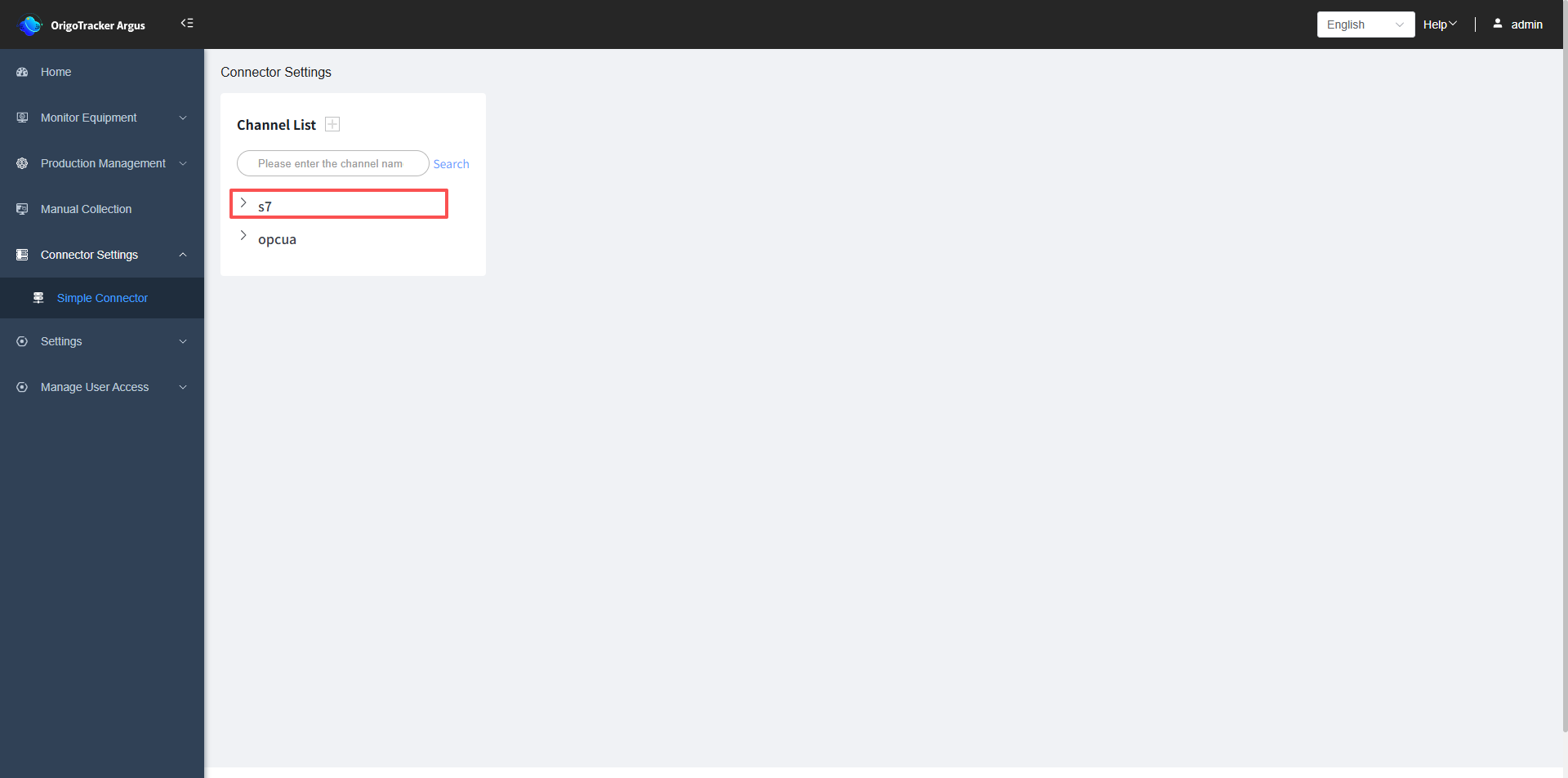
Introduction to Simple Connector
If you want to use OrigoTracker Argus’s real-time equipment monitoring, you need to configure the connector settings first.
Currently, OrigoTracker Argus supports the following connectors:
| Concept | Description |
|---|---|
| Simple Connector | Simple Connector is a subsystem of OrigoTracker, designed for managing one or multiple PLCs. It supports various PLC protocols and allows for the configuration, display, and testing of PLC data addresses directly on the page. |
Simple Connector Channel
In OrigoTracker Argus, each equipment type corresponds to a equipment channel. If no equipment type or equipment instance has been added, you cannot perform the operation to add a channel.
You can refer to the following documentation to learn how to add a equipment type:
Add equipment Type , Add Equipment Instance
Enter Simple Connetor page
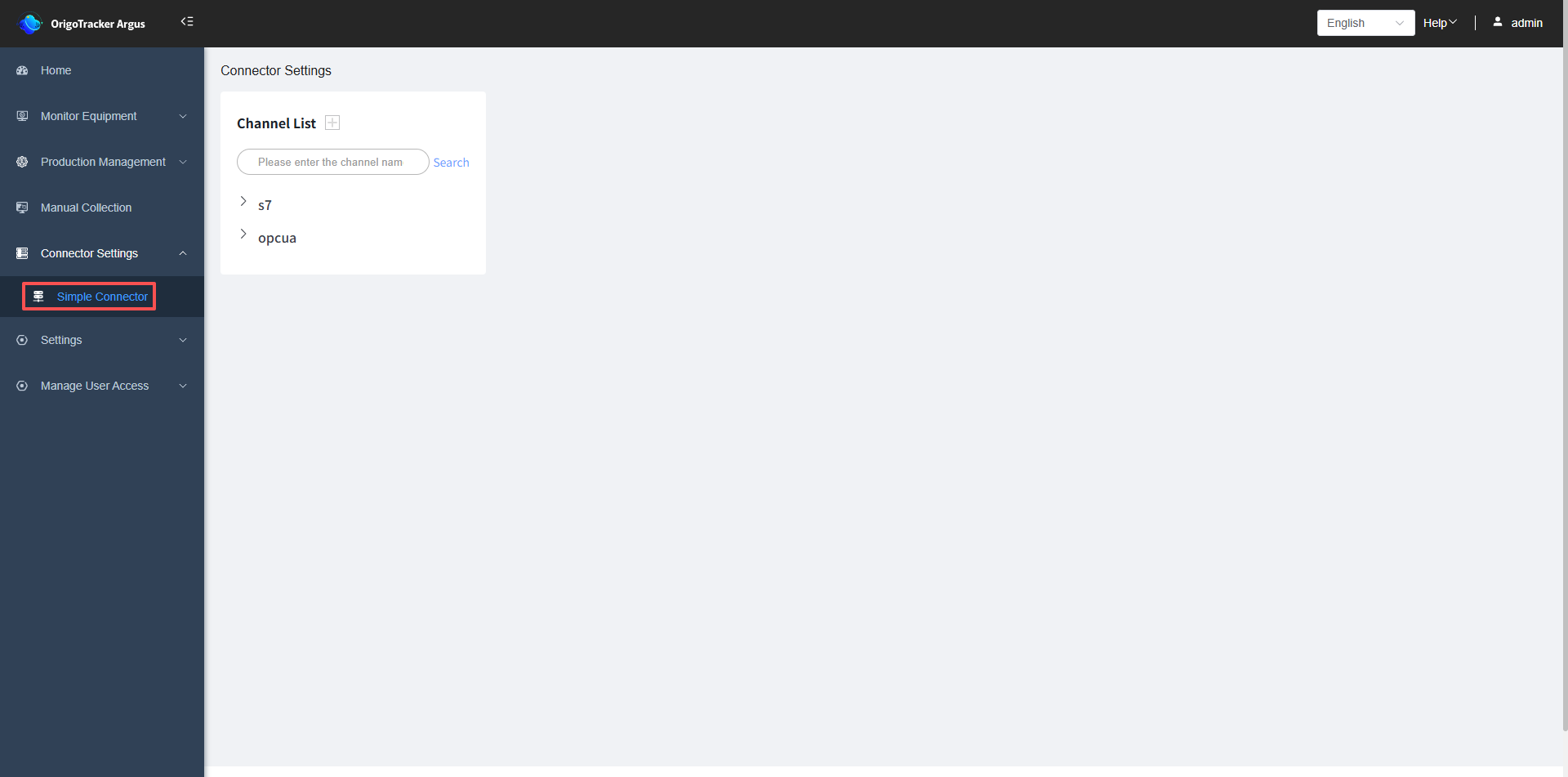
Click the plus sign next to the channel list;adding a channel refers to adding a communication protocol.
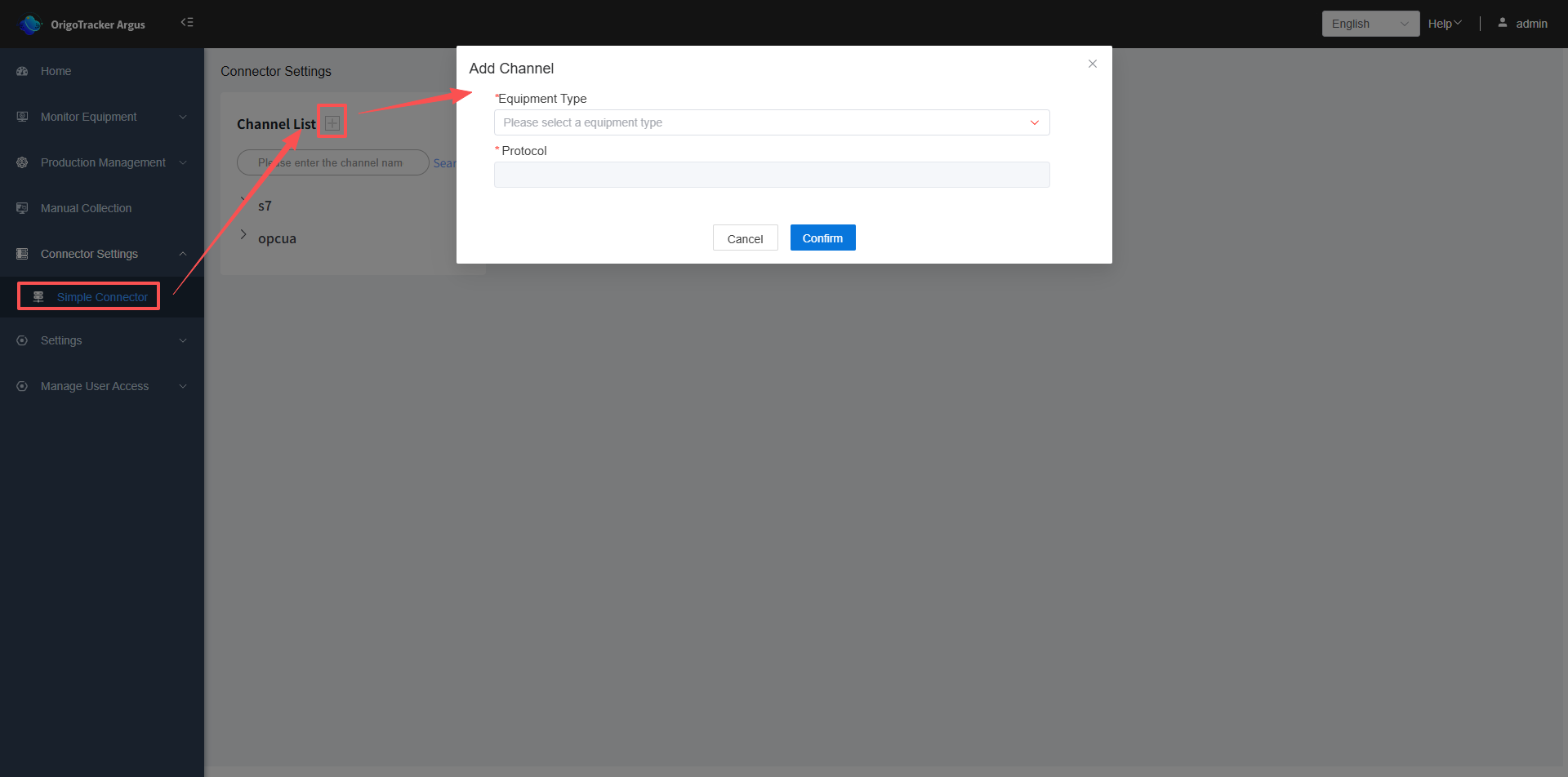
- Equipment Type: Select the equipment type defined previously.
- Protocol: The system will automatically display the corresponding protocol based on the equipment type you selected.
After adding the channel, it will be displayed in the channel list below.