Product Type
1. Define Product Type
Once modules and production process have been defined, you can proceed to define product types .
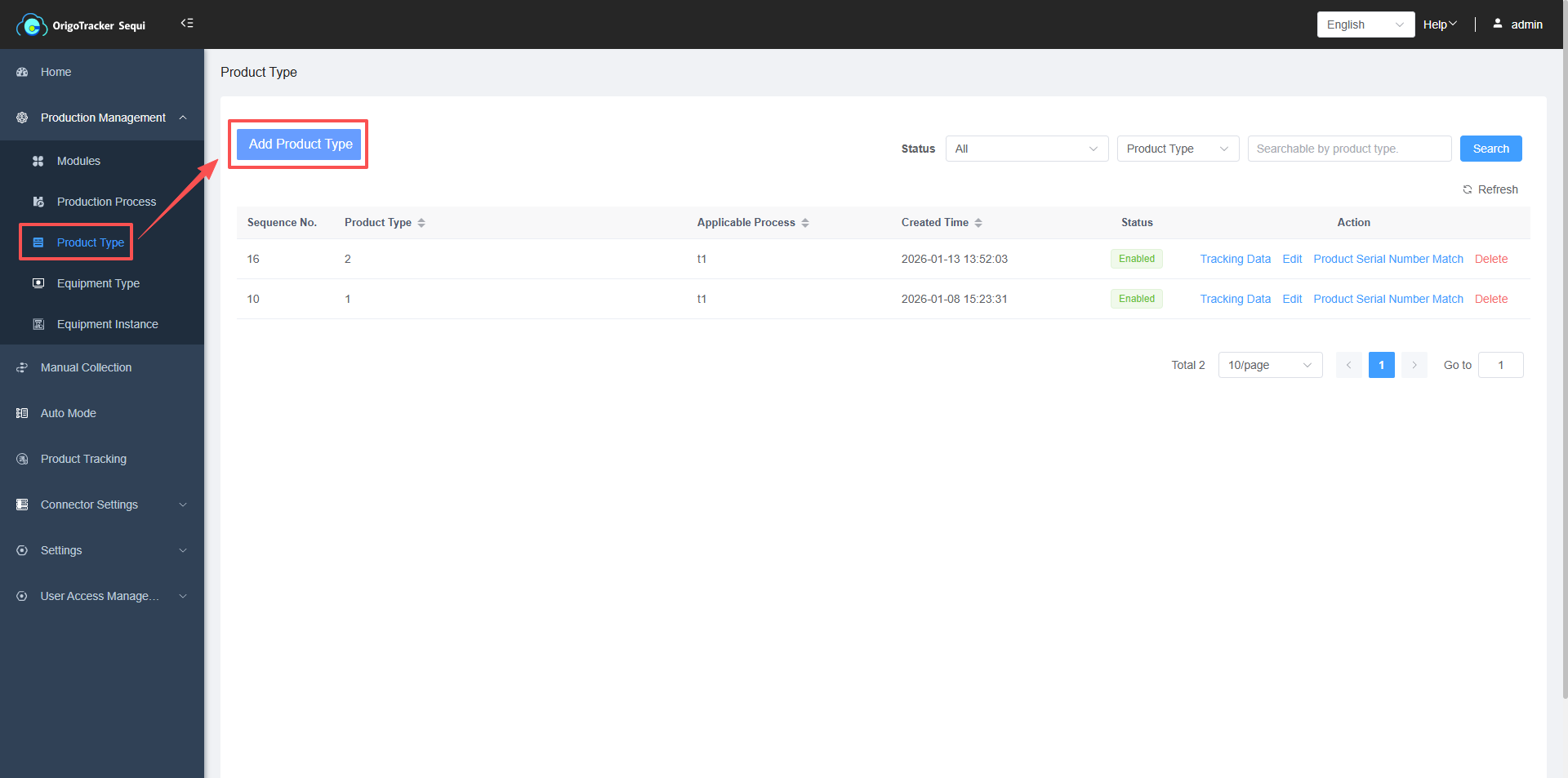
(1) Click Product Type.
(2) Click Add Product Type.
(3)When defining a new product type, you can enter a product model name, which accepts only letters and digits, hyphens (-), and underscores (_).
Applicable Process: Select the production process for this product type. If no process exists, you must first define a new one before it can be selected. For detailed instructions, click View Steps Here.
| Field | Description |
|---|---|
| Status | When disabled, this product type cannot be selected in subsequent data collection configurations or automatic collection tasks, and its production data cannot be captured via the pad. |
| Batch Number Length & Starting Position in Product Code | OrigoTracker Sequi supports extracting batch number information directly from the product serial number. When a user enters a product serial number, the system automatically identifies the batch number—provided that the format is defined here. |
Example: If the product serial number is A001-123, in which the "A001" is the batch number, then the batch number length is 4 characters, starting at position 1 of the product serial number.
2. Data Tracking By Product Type
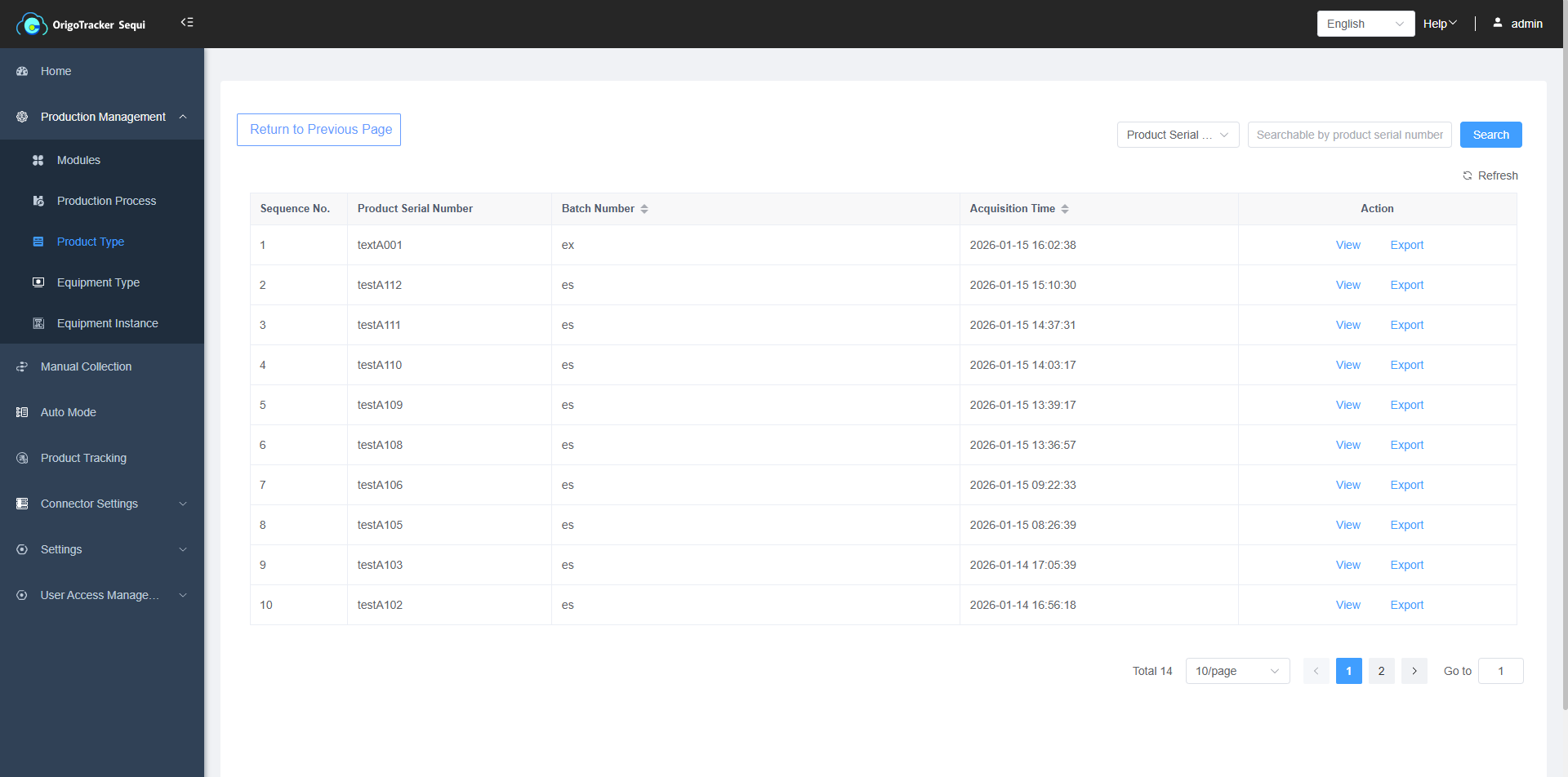
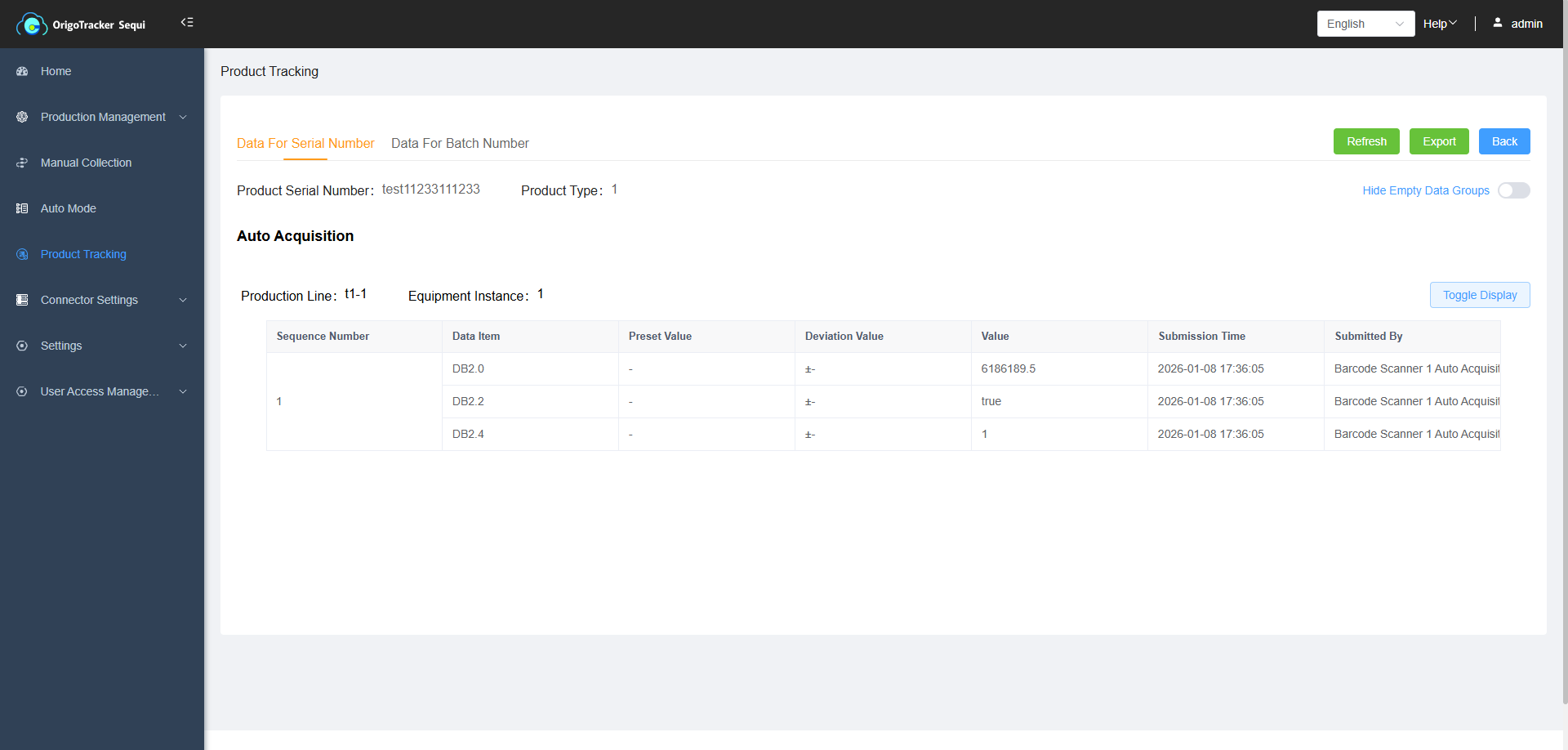
If a specific product model has already undergone data collection during production, in addition to searching for the product code in the Traceability to view its production data, you can also check the product's production data information here.
(1)Click Tracking Data
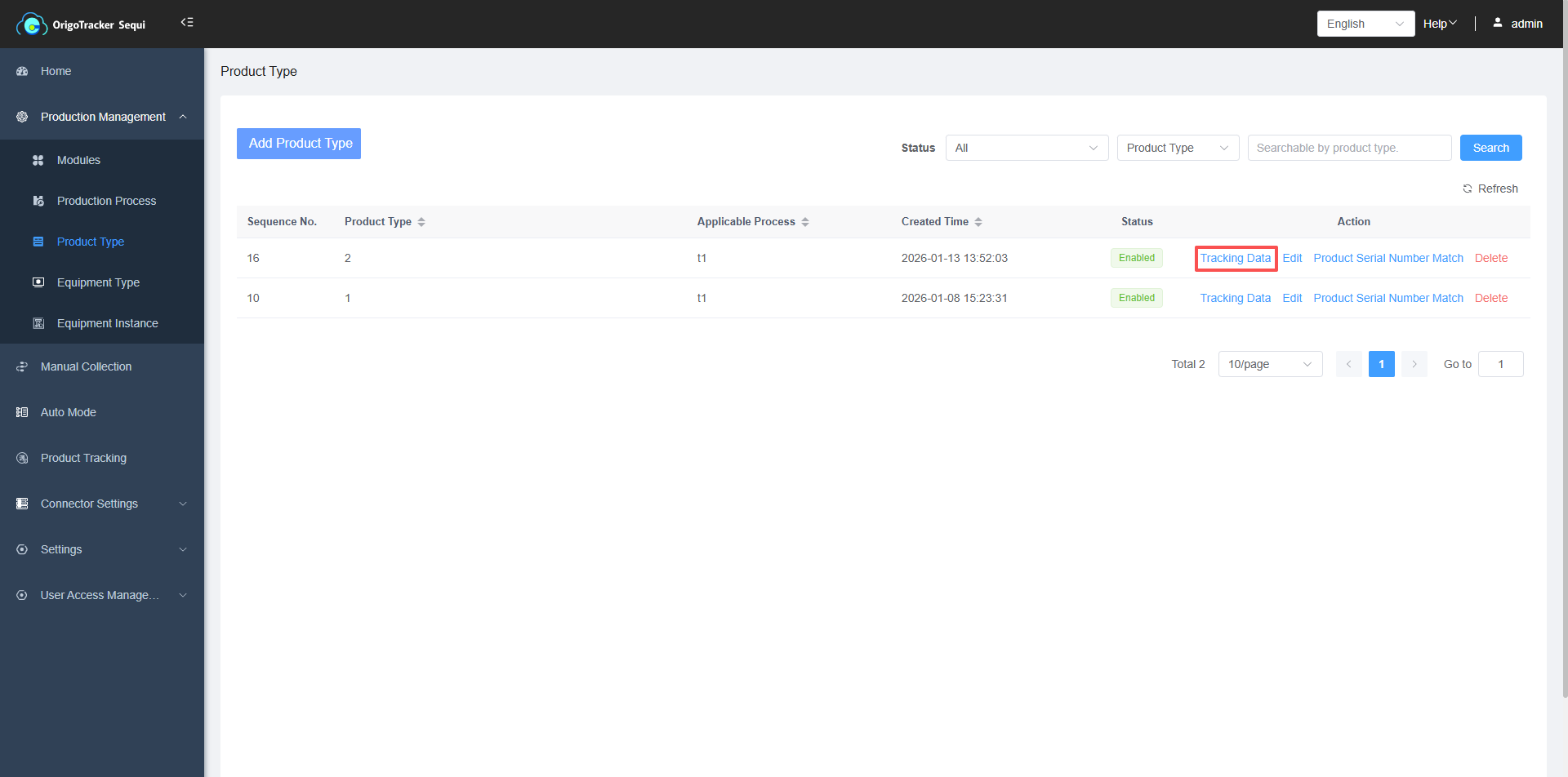
Enter the Product Type Tracking page, click to view the production data by the product models.
3. Product Type Validation
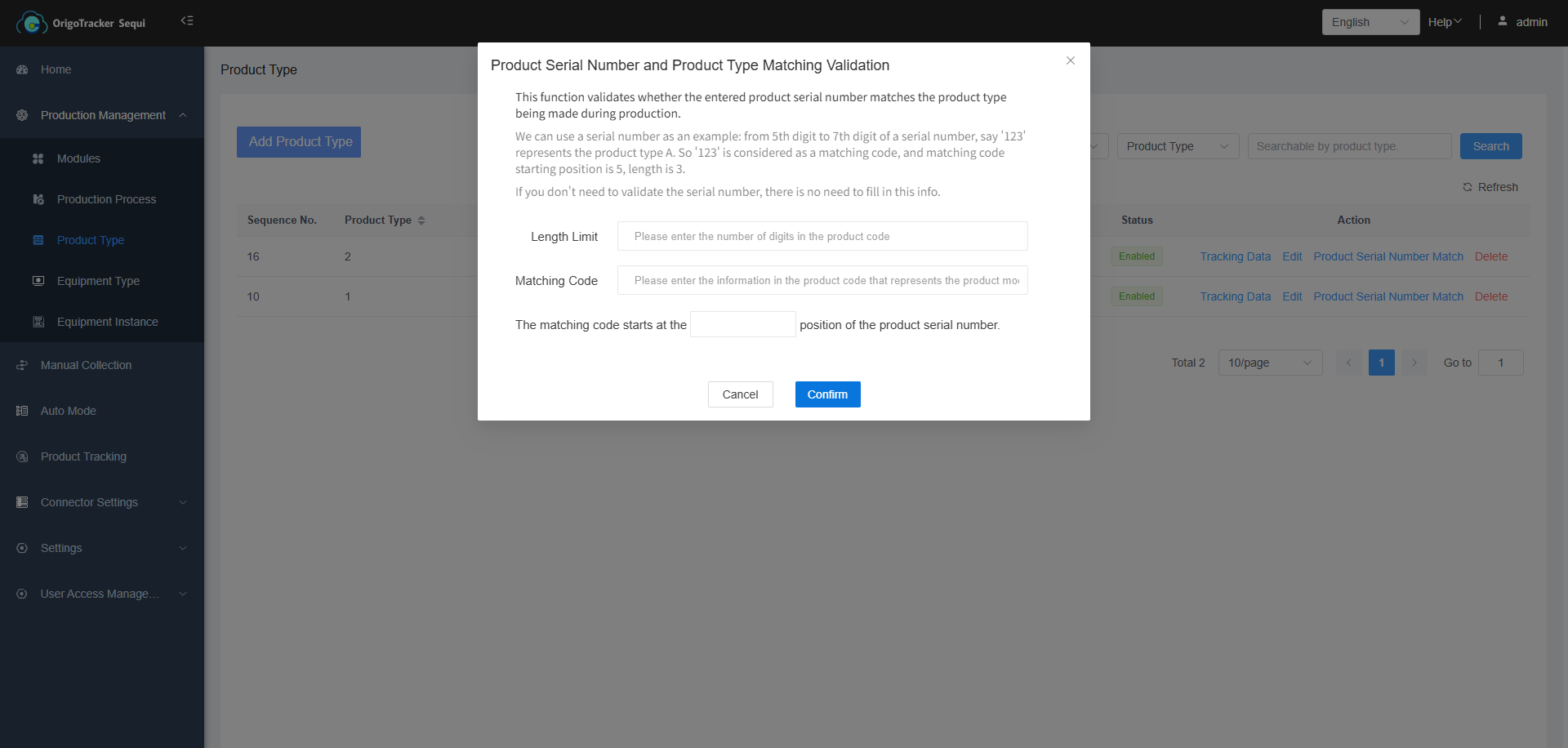
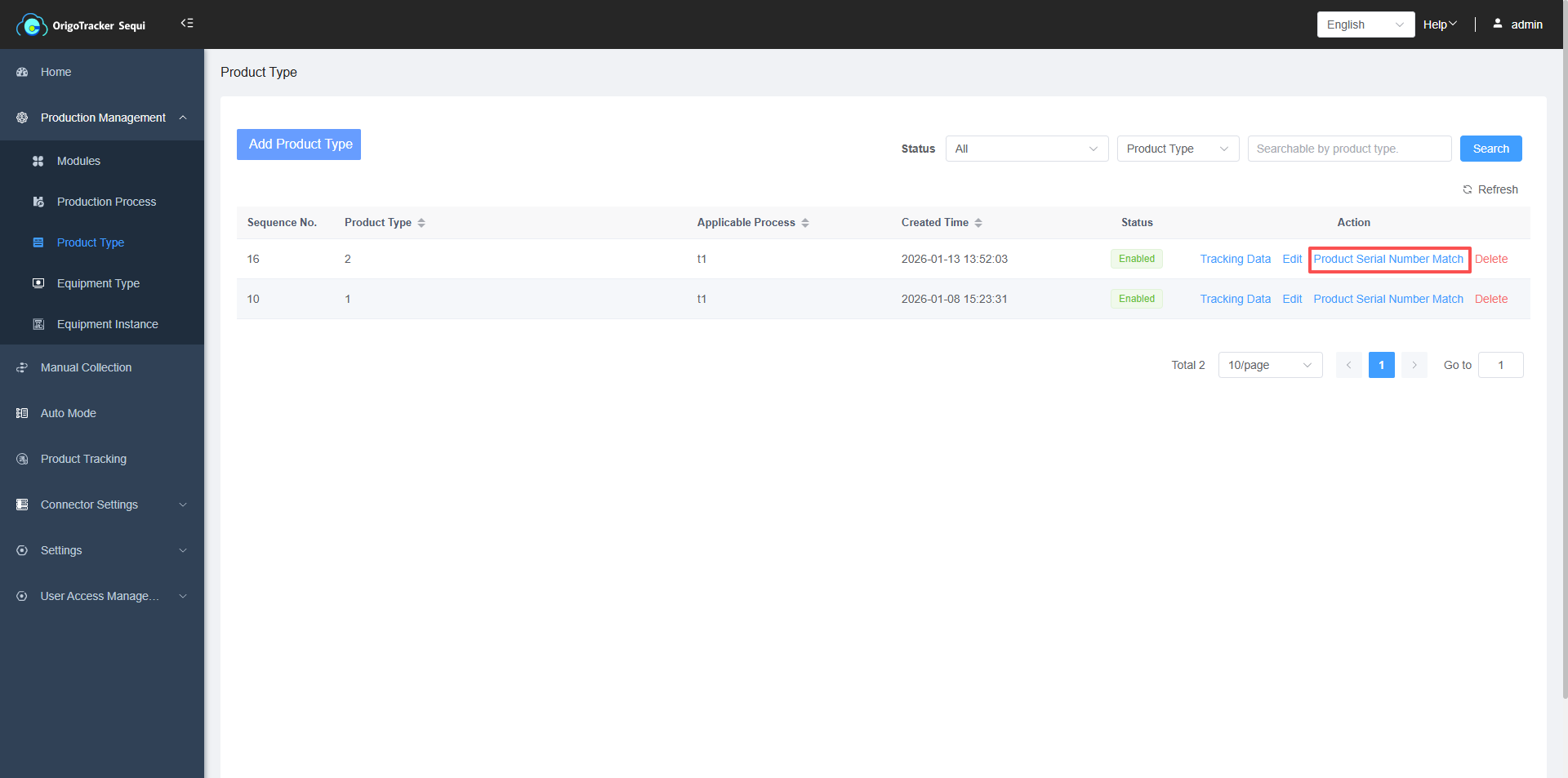
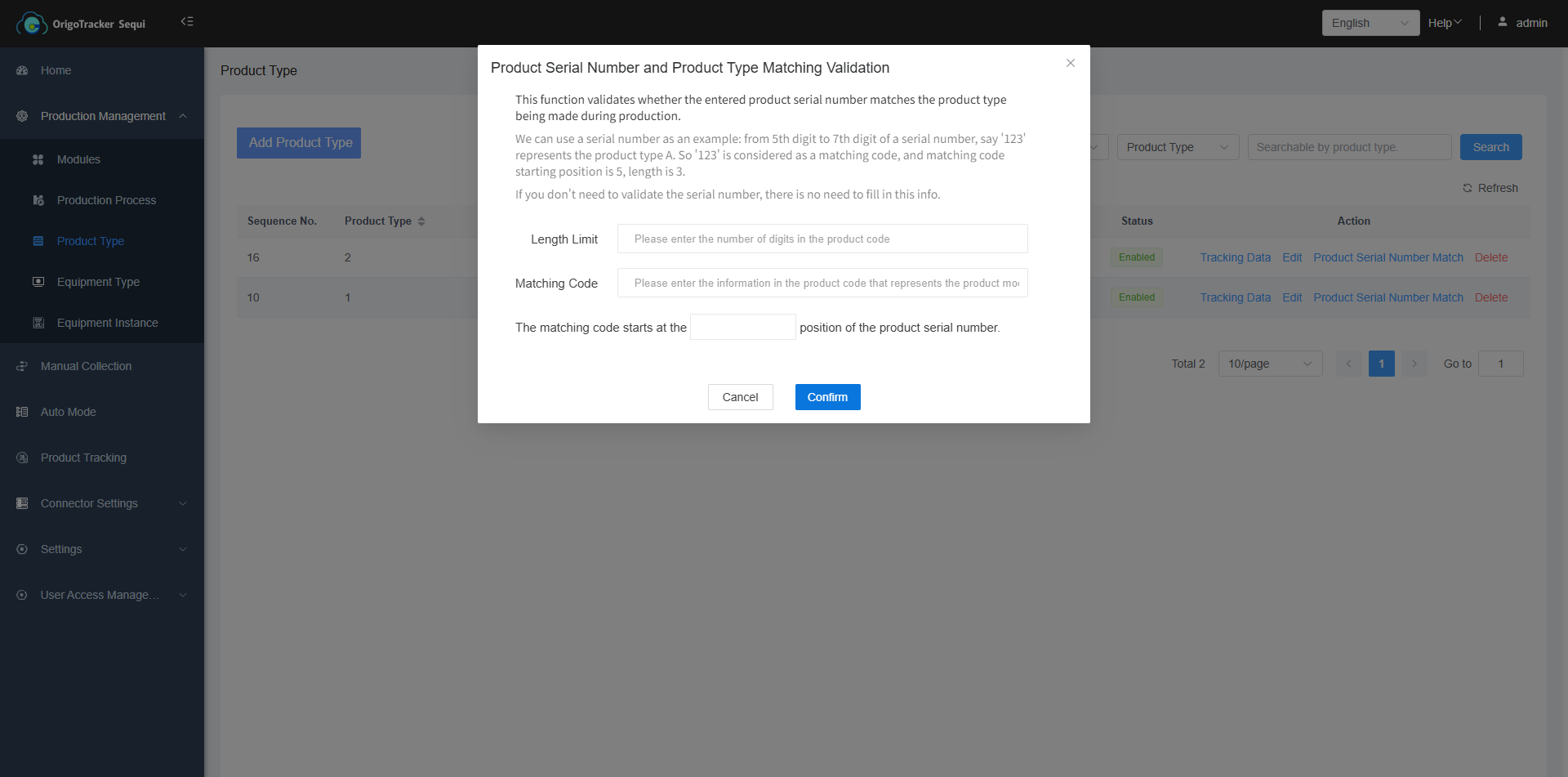
Some product serial number contains product model info. This feature is used to verify whether the product serial number entered during the production process matches the product model being produced (optional).
(1) Click on "Product Serial Number Match".
| Field | Description |
|---|---|
| Length Limit | The total number of characters in the product code. |
| Matching Code | The specific segment within the product serial number that identifies this product model. It serves as the key for verifying the product being produced to its model. |
| Starting Position of Matching Code | The position (1-based index) in the product code where the matching code begins. |
Example:
For a product model named A, suppose the finished product serial contains a segment from position 5 to 7—for instance, "123"—that uniquely represents model A. In this case:
- Matching Code = 123
- Starting Position = 5
If no validation is required, simply leave these fields blank.