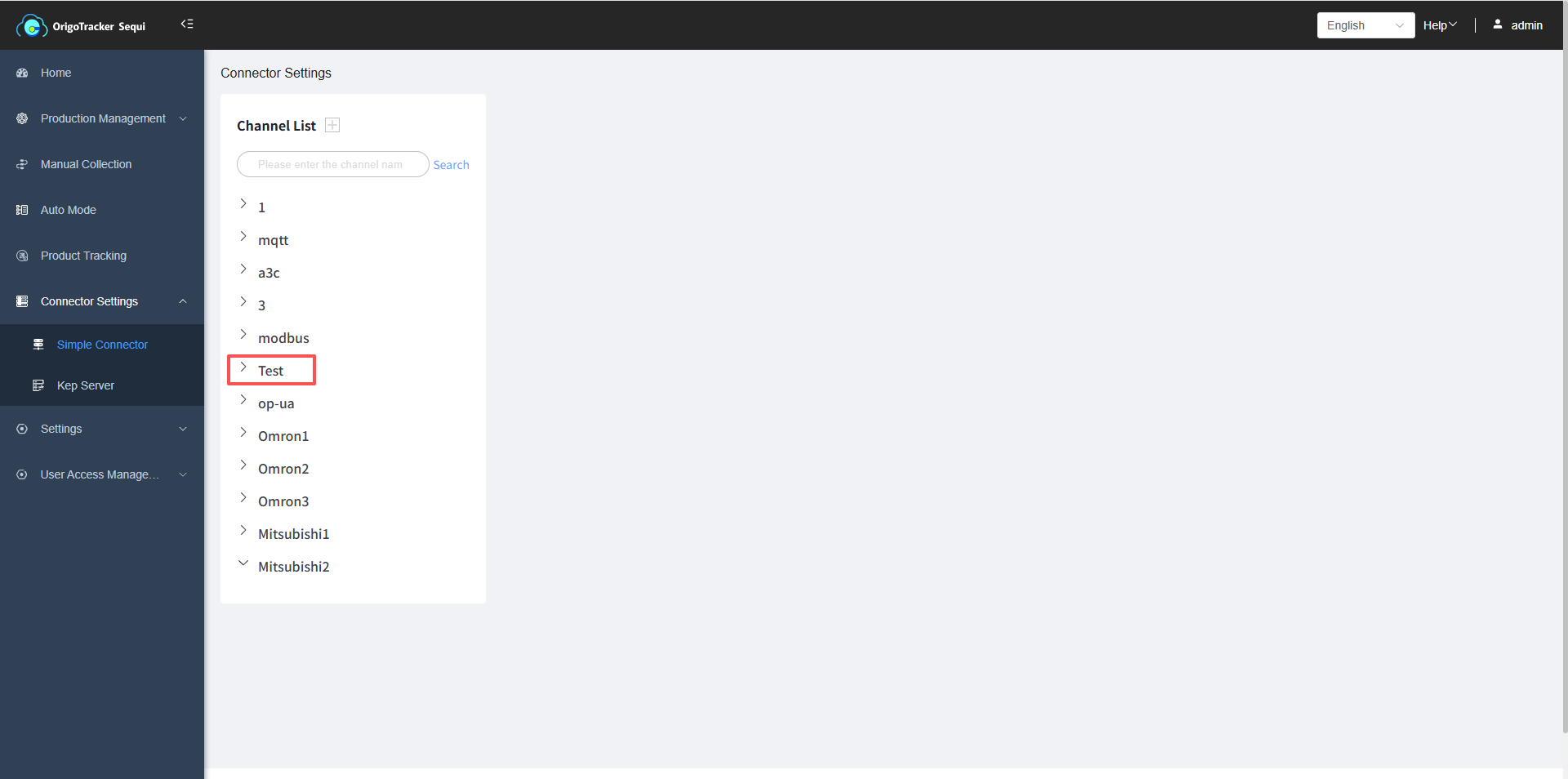
Introduction to Simple Connector
Before using the automatic data acquisition function of OrigoTracker Sequi, you need to configure its connector first.
At the moment, Sequi supports the following two types of connector.
| Concept | Description |
|---|---|
| Simple Connector | It is a subsystem for managing PLC tags and performing data acquisition/monitoring. It supports multiple PLC protocols and allows PLC tag configuration, display, and testing on a single page. |
| Kep server | KEP Server is a software developed by PTC, which is running on a server, and supports industrial OPC protocol. Through the standard OPC interface, user’s software can communicate with PLCs using KEP Server. |
Simple Connector Channel
In OrigoTracker Sequi, each equipment type corresponds to a equipment channel. If no equipment type or equipment instance has been added, you cannot perform the operation to add a channel.
You can refer to the following documentation to learn how to add a equipment type:
Add equipment Type , Add Equipment Instance
Simple Connector Page
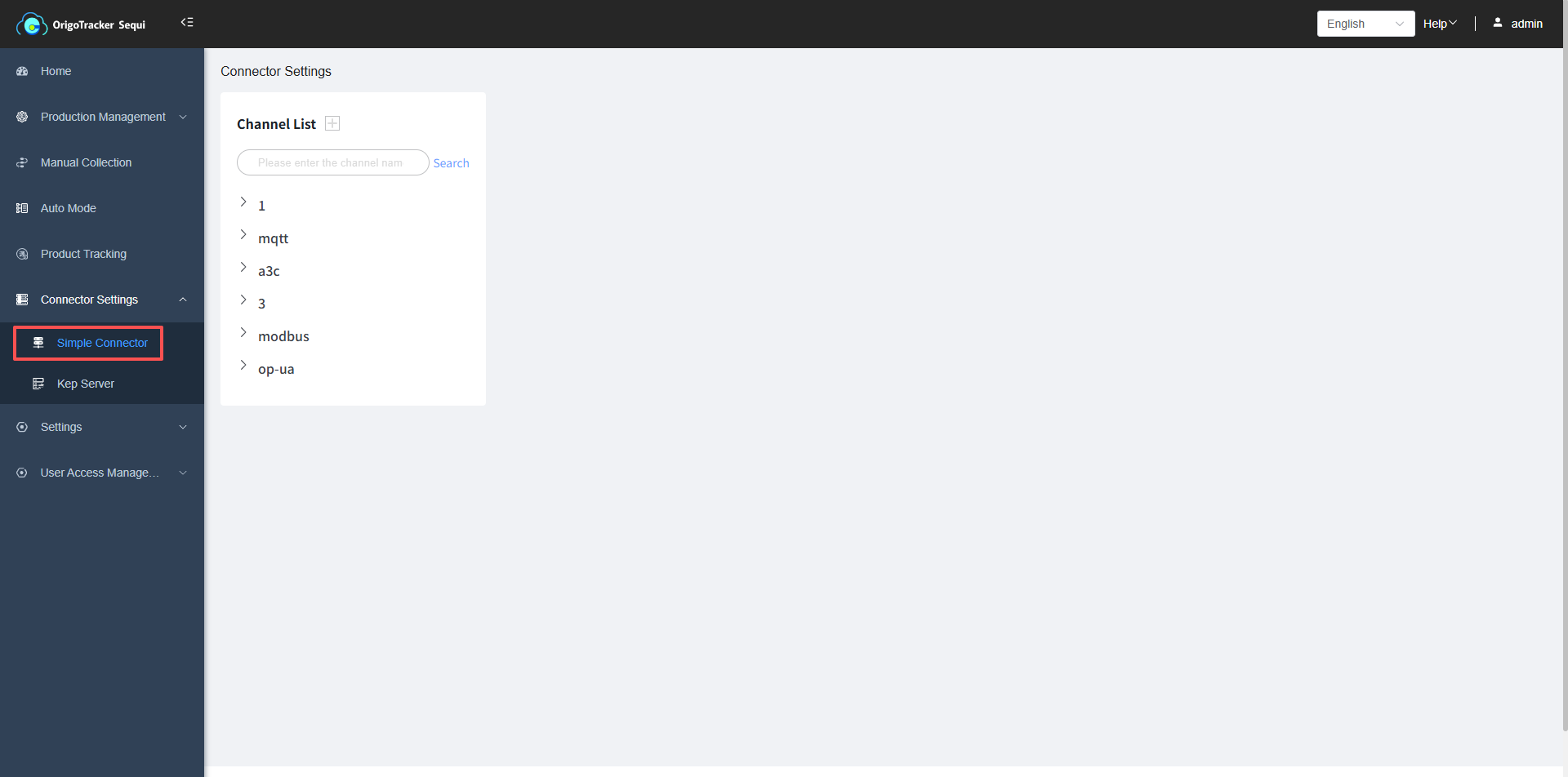
Click the plus sign next to the channel list to add the OmronFinsTCP protocol.
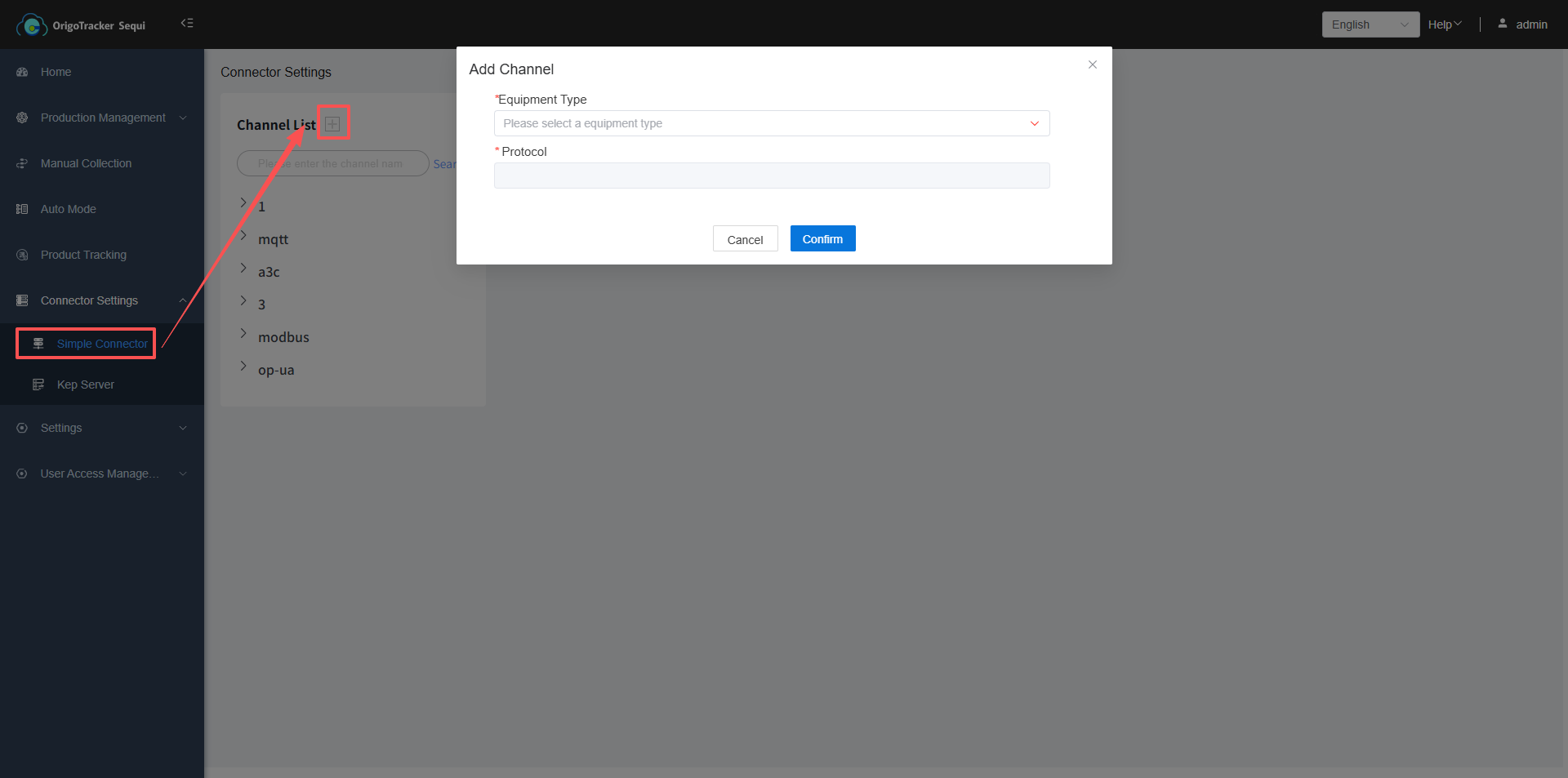
After adding the channel, it will be displayed in the channel list below.