Production Process
1. Define a new production process
After defining modules, you need to arrange them in production sequence to form a production workflow. Data collection in OrigoTracker Sequi follows the modules defined within each production process.
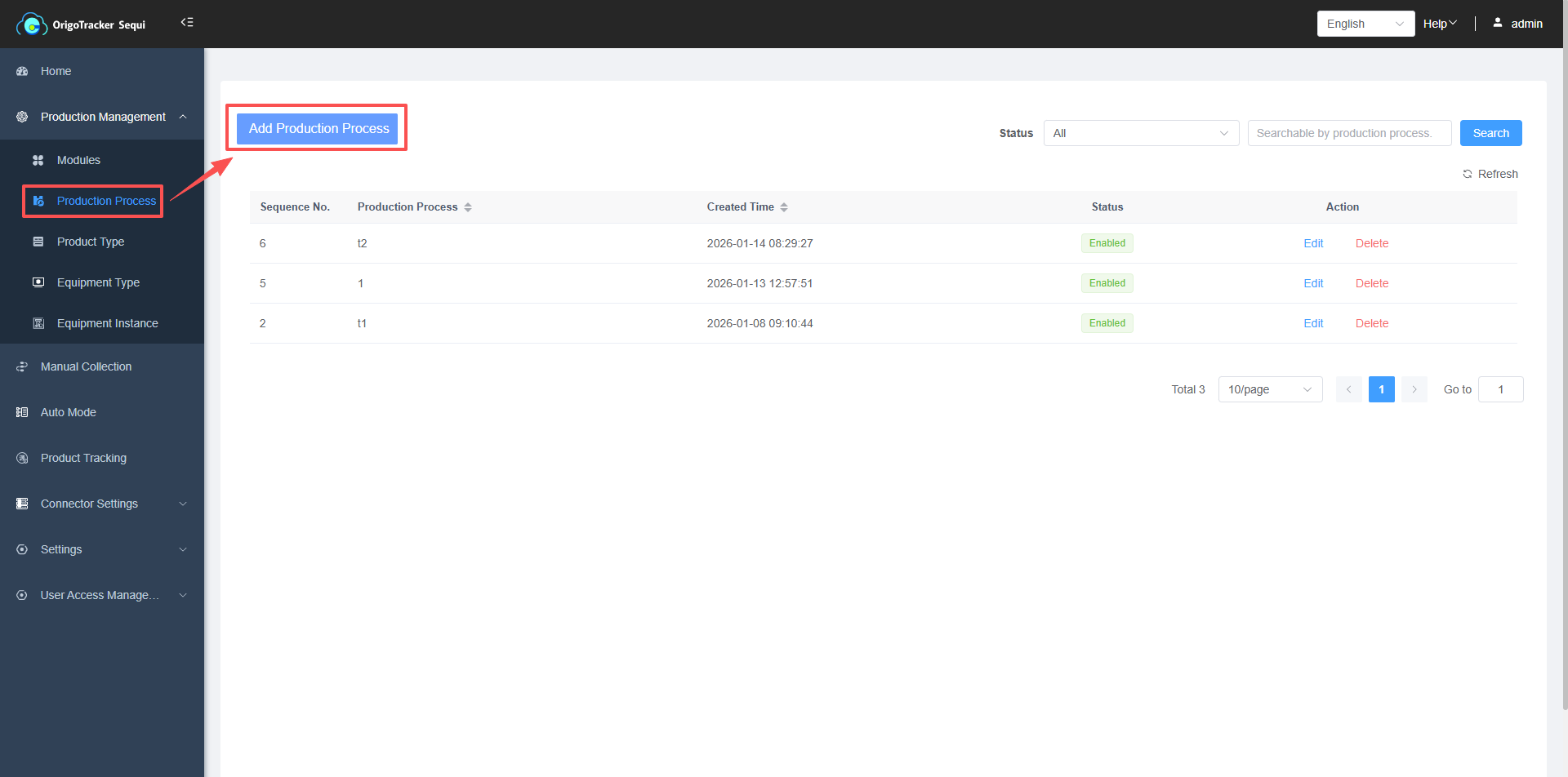
(1) Click Production Process
(2) Click Add New Production Process
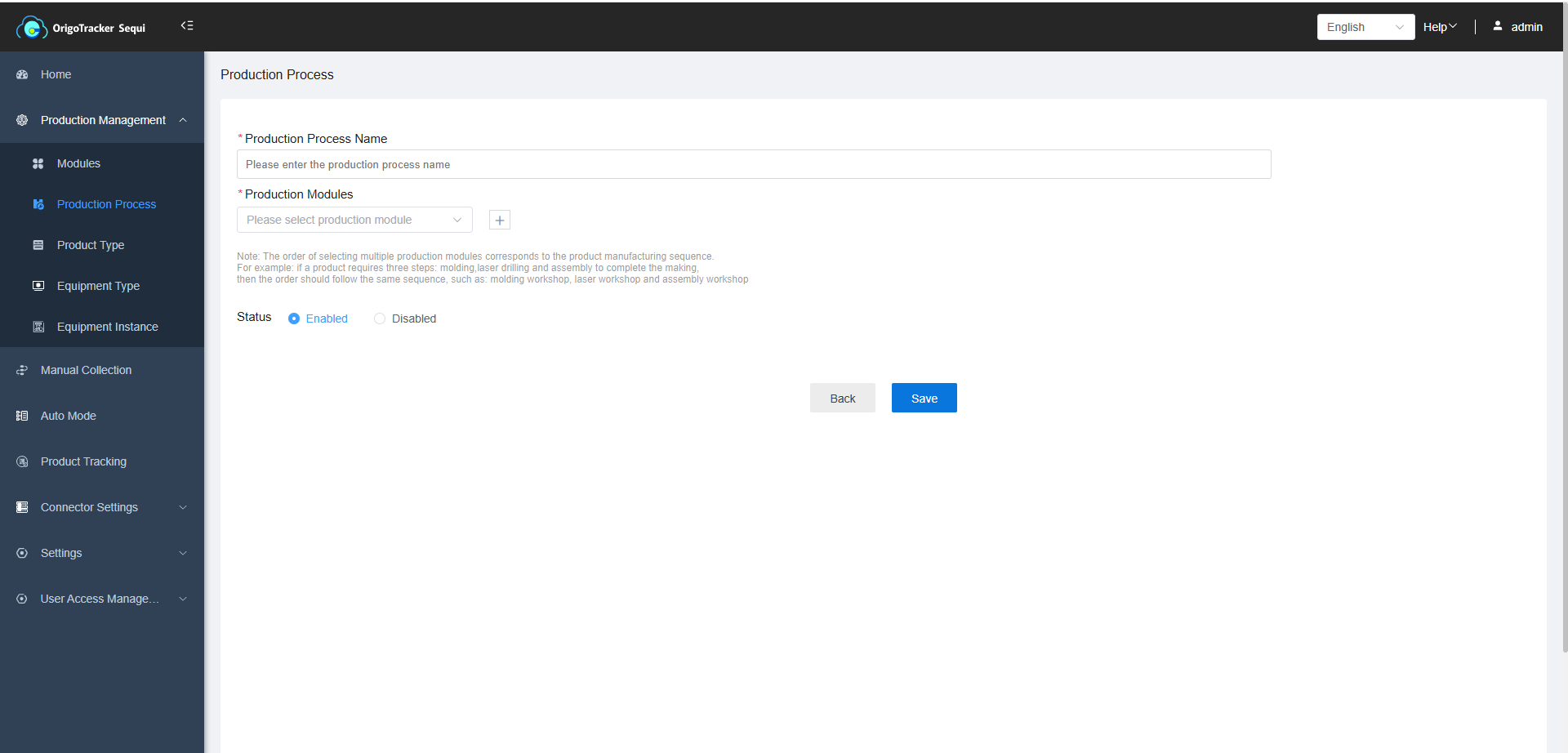
(3)When defining a new production process, you need to enter a process name and select modules in the correct production sequence (modules can be thought of as production workshops).
For example, if producing Product A requires processing first in Module X, then Module Y, and final completion in Module Z, you must select the modules in that exact order: X → Y → Z.