Scanner Test
In the OrigoTracker Sequi, automatic data acquisition is triggered by barcode scanners, and each scanner must be bound to a production equipment. This way, the system can identify which equipment needs data collection based on the scanner's unique ID and retrieve the corresponding equipment data upon triggering.
Please note the following before starting this test:
- The scanner should be connected to the same LAN
- The scanner should be configured to send an ID together with the barcode it scans,to the IP address of Sequi.
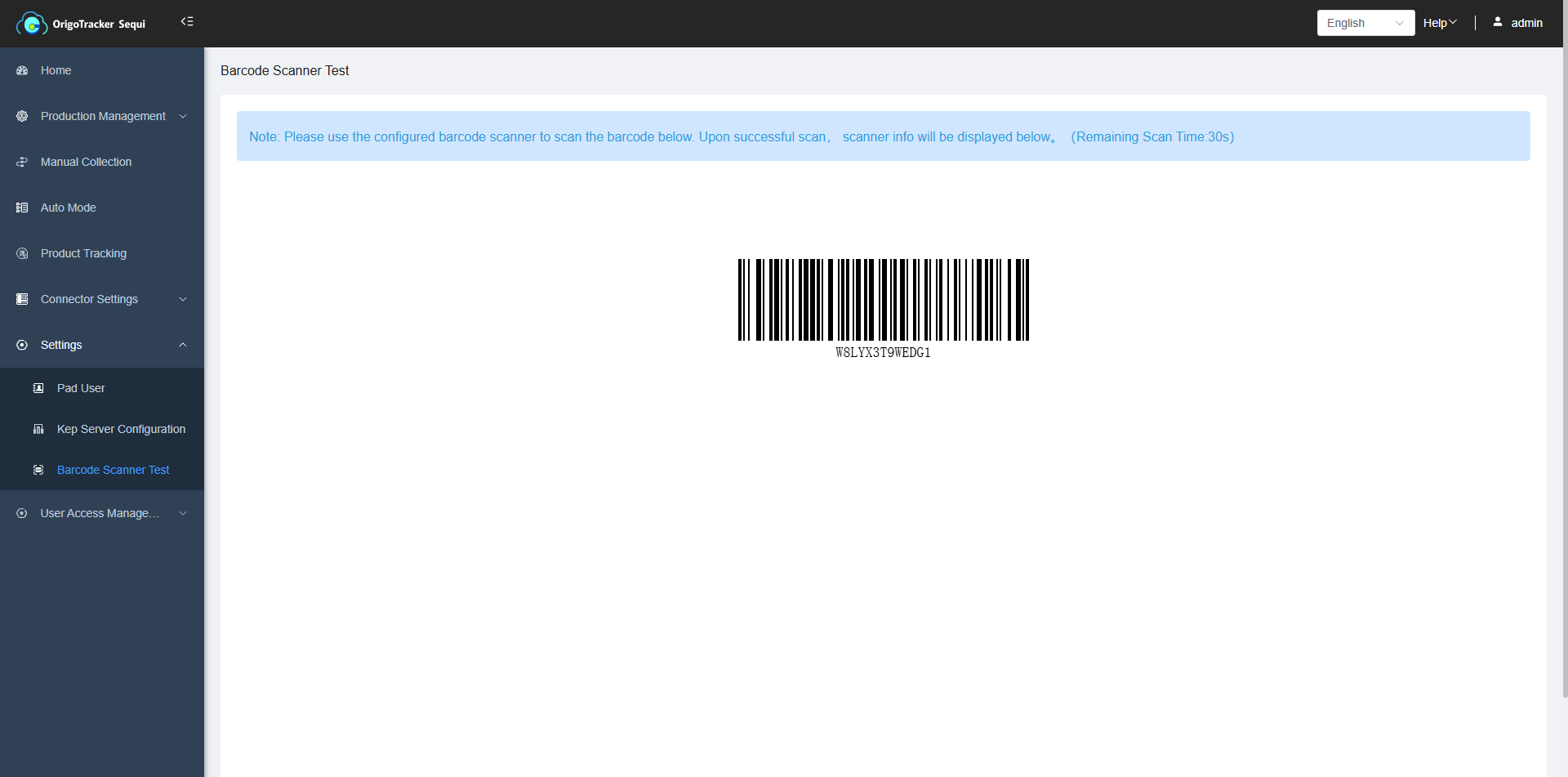
The barcode scanner test page allows you to view the scanner's unique ID.
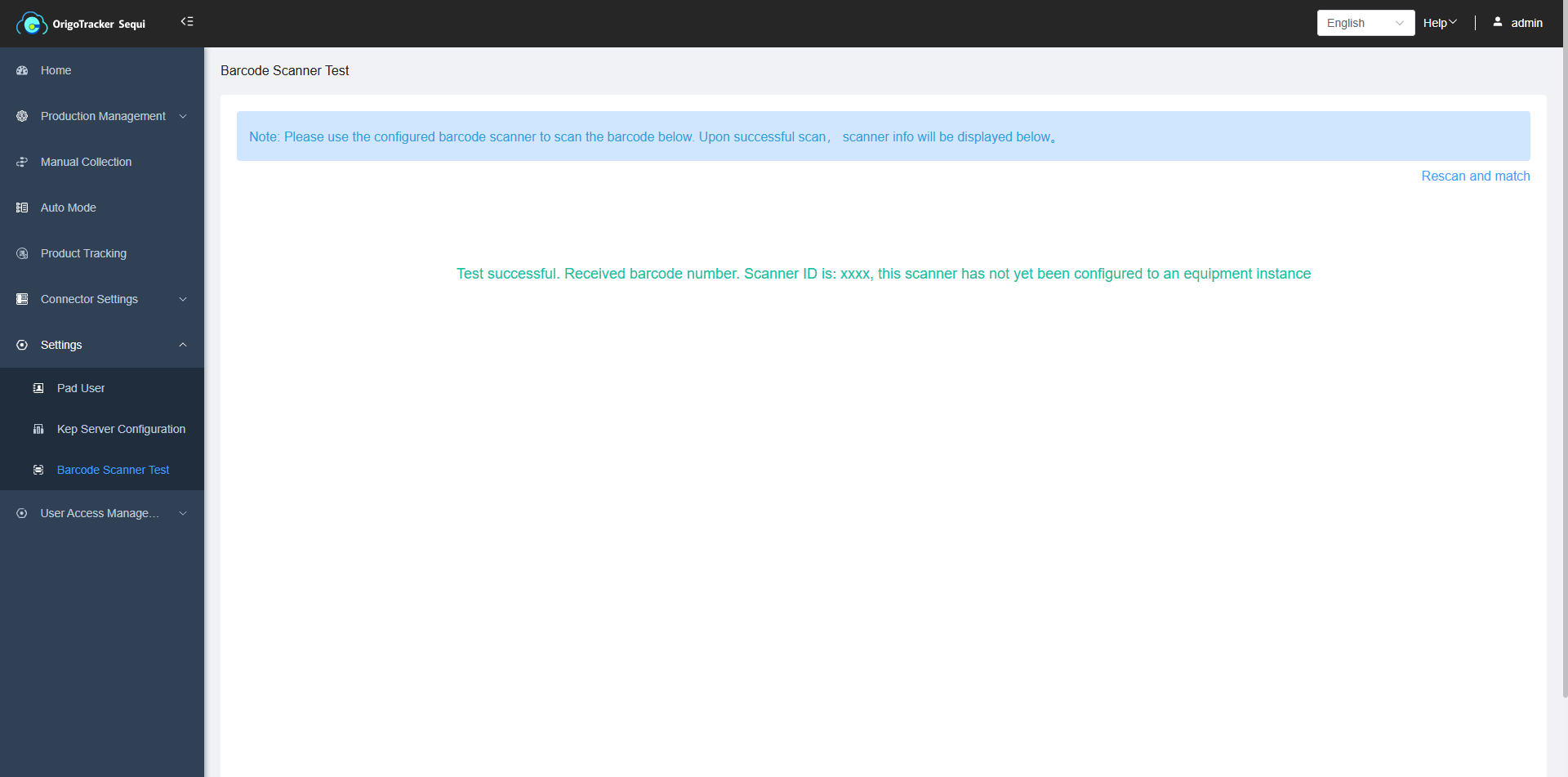
After scanning, if the barcode scanner is not bound to any equipment, the following reminder will appear. To learn how to bind an equipment to the scanner, please click here to view.
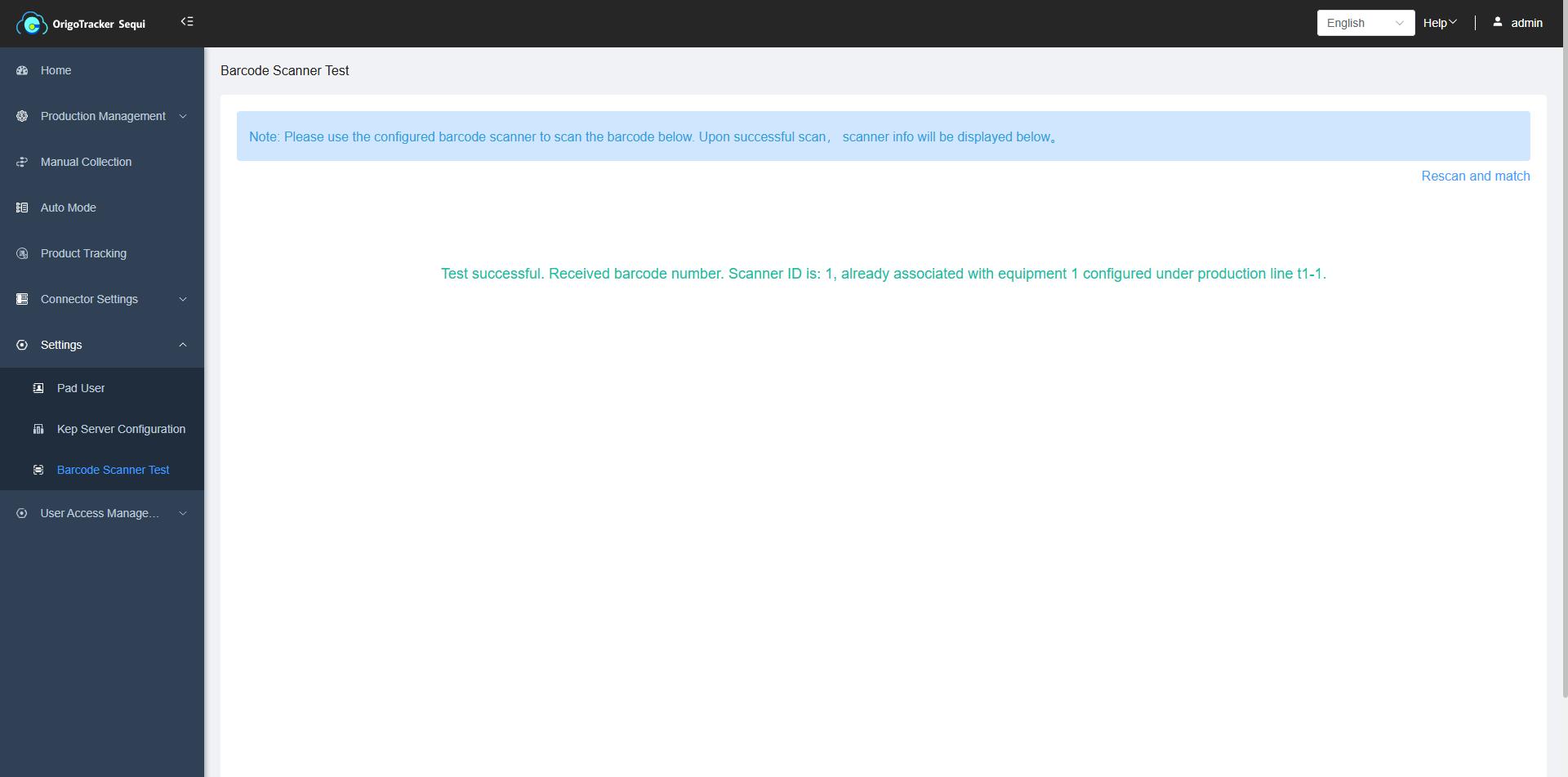
After scanning, if the barcode scanner is bound to an equipment, the following reminder will appear. To learn how to bind an equipment to the scanner, please click here to view.